 Polaris Browser
The browser, complete.
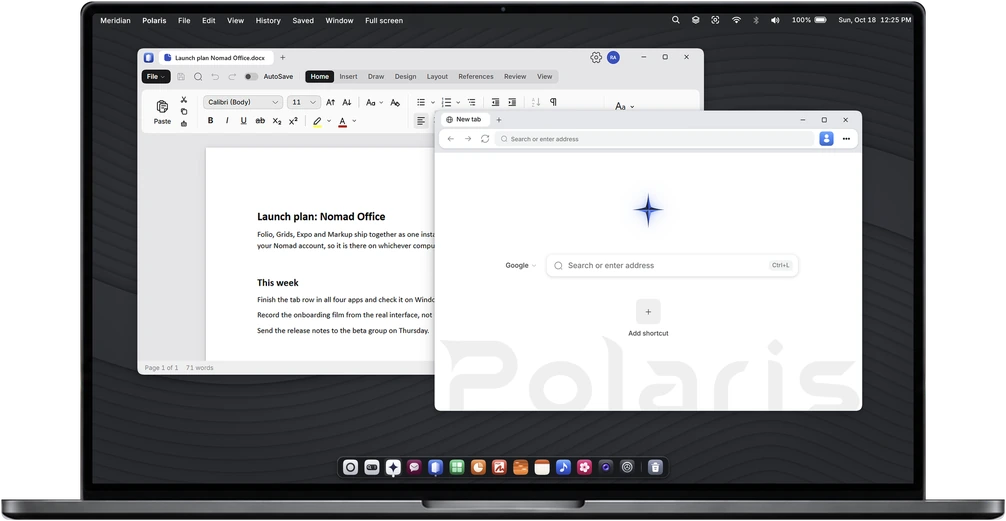
Fast, quiet, and free. Polaris keeps ads and trackers out on its own, helps you find the page you read last week, and gets out of the way of everything else.
- FreeNothing held back, and no account needed to browse
- ChromiumThe engine under Chrome and Edge
- Blocking built inAds and trackers kept out, nothing to install
- Windows 10 and 11Intel, AMD and ARM PCs
Features
Less browser. More of the page.
One slim bar, tabs along the top, and nothing on the screen that is not the page or something you asked for.
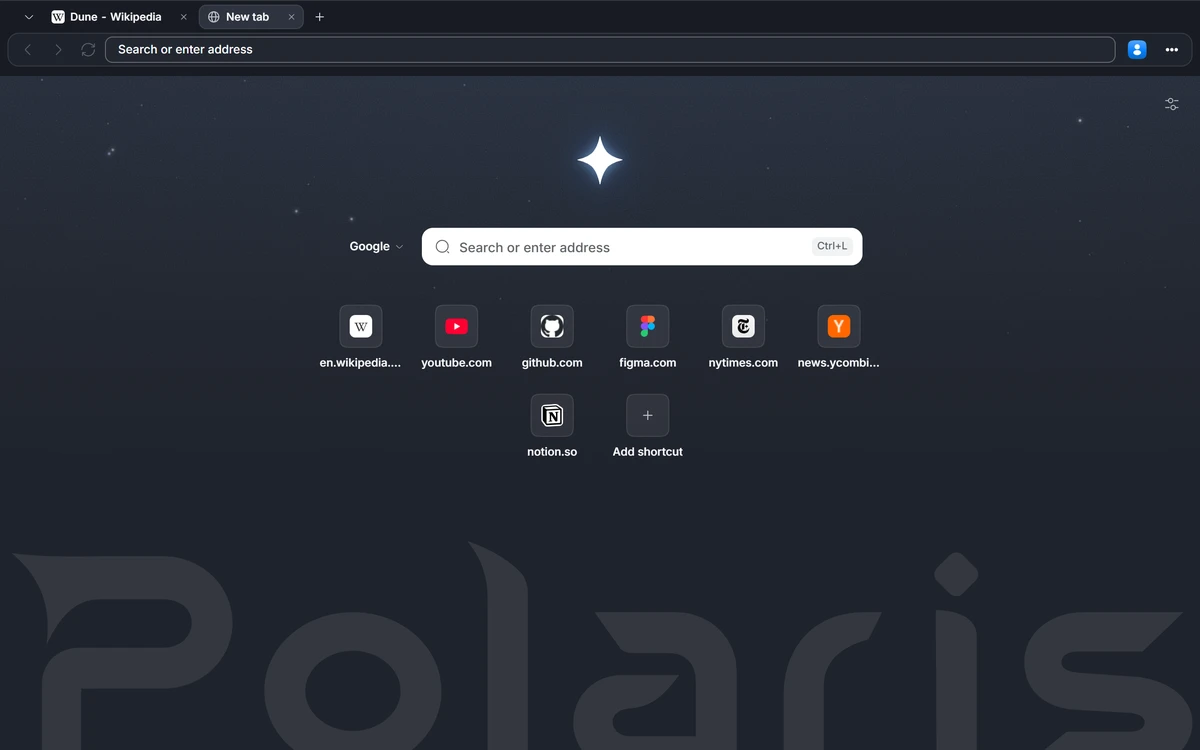
A new tab with nothing in the way.
A new tab opens on one search field and the sites you go to most, over a quiet page. Nothing to scroll past, nothing trying to sell you something.
Find what you meant.
Start typing and Polaris offers what you are after: a search, a tab you already have open, or a page from your history.
Tabs on top, or down the side.
Keep your tabs along the top, or move them into a sidebar when there are a lot of them.
Set up the way you browse.
Choose where the tabs go, whether the page sits flush to the window, and what stays in the toolbar.
Under the hood
Built on what already works.
Sites work as they should
Polaris is built on Chromium, the engine under Chrome and Edge, so the web looks and behaves the way it was made to.
Ads and trackers, kept out
Blocking is built in, so there is nothing to install. Turn it down for any site that needs it.
A glance before you go
Peek at a link without leaving the page you are on. Keep it as a tab only if it was worth it.
One Nomad account
Polaris browses without an account. Sign in with your free Nomad account, the same one as every Nomad app, and Polaris joins the rest of Nomad.
Download
Get Polaris.
Free, with nothing held back. No account needed to browse.
Included in MeridianOS
Already on your desktop.
Polaris is the browser inside every MeridianOS desktop. Each desktop keeps its own sign-ins, so your work accounts stay on your work desktop.